This page snows the way your Mac will. Grab a window by its top bar and drag it, then shake it hard.
Sweep the pointer fast through a drift to brush it off, or change the weather above.
 Snowy Mac
Snow
Piles up on your windows. Shake one!
The panel you get in your menu bar. Toys, sound and wallpapers live in the app.
A menu-bar app for macOS 14 and later
A little Mac app that makes it snow on your desktop. Flakes pile up along the top of every window, ride along when you move one, and fly off when you give it a shake.
The download is free. Snowy Mac needs a licence key to run: $9.99 once, for one Mac, and your key comes as soon as you pay. The first 100 buyers pay $9.99; after that it is $19.99.
See it snow ↓This page snows the way your Mac will. Grab a window by its top bar and drag it, then shake it hard.
Sweep the pointer fast through a drift to brush it off, or change the weather above.

It falls on every window you have open, settles where snow would and reacts when you move things. Everything on this page works the way it does on your Mac.
Piles up
Flakes land on the first window they reach. Snow builds along the top of each one, and a drift grows at the bottom of the screen, right over the Dock.
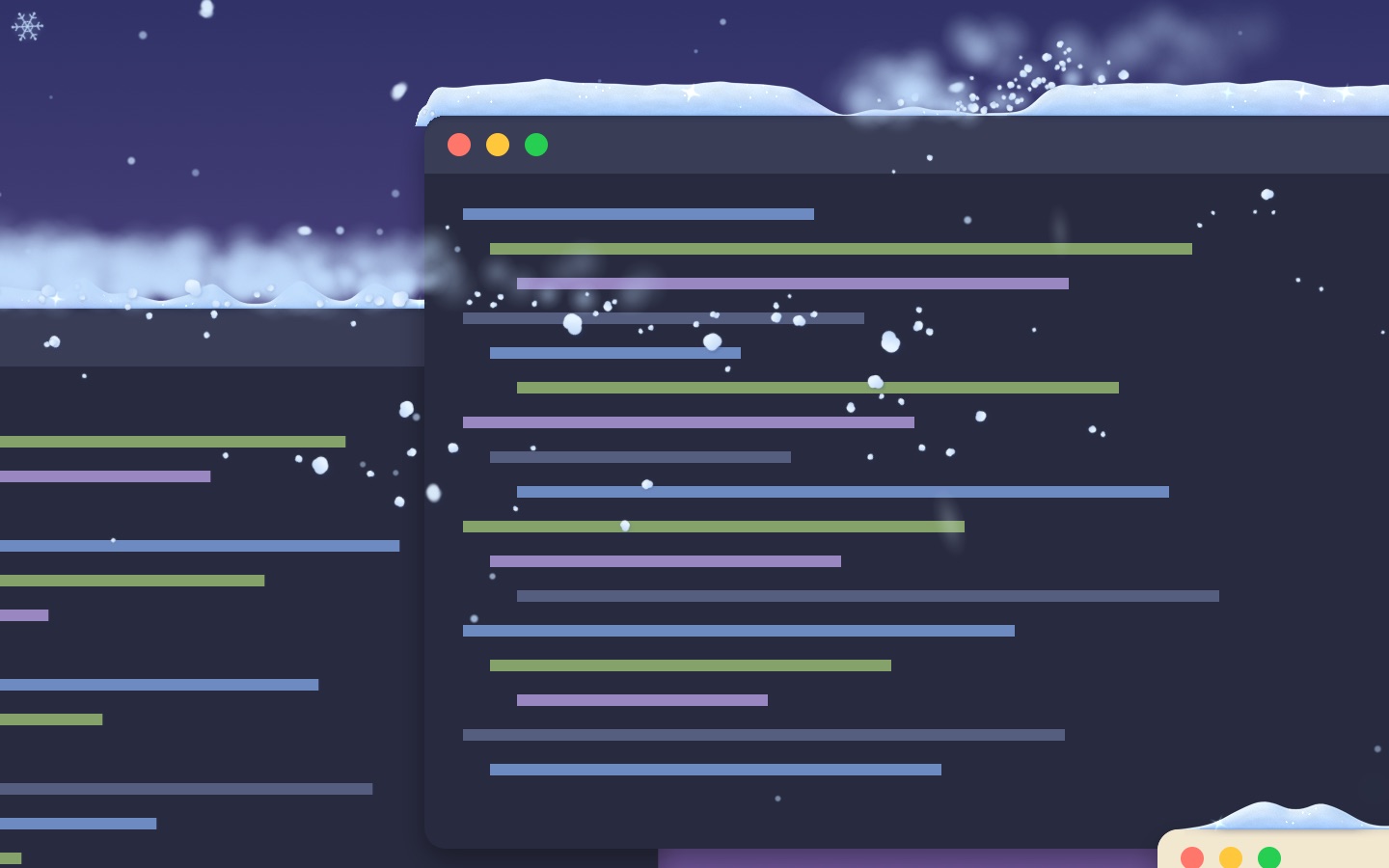
Rides along, flies off
Snow rides along when you move a window gently. Jolt it and the drift slides across and pours off the end. Shake it and the snow comes off in clumps that land on whatever is below.
Sweep the pointer through a drift and it scatters. Hit one fast and it throws snowballs of every size.
Shake the pointer and every drift lifts into a swirl, then settles again.
Send a little snowcat along the bottom of the screen to clear the drift, or drop it on a window to plough that one.
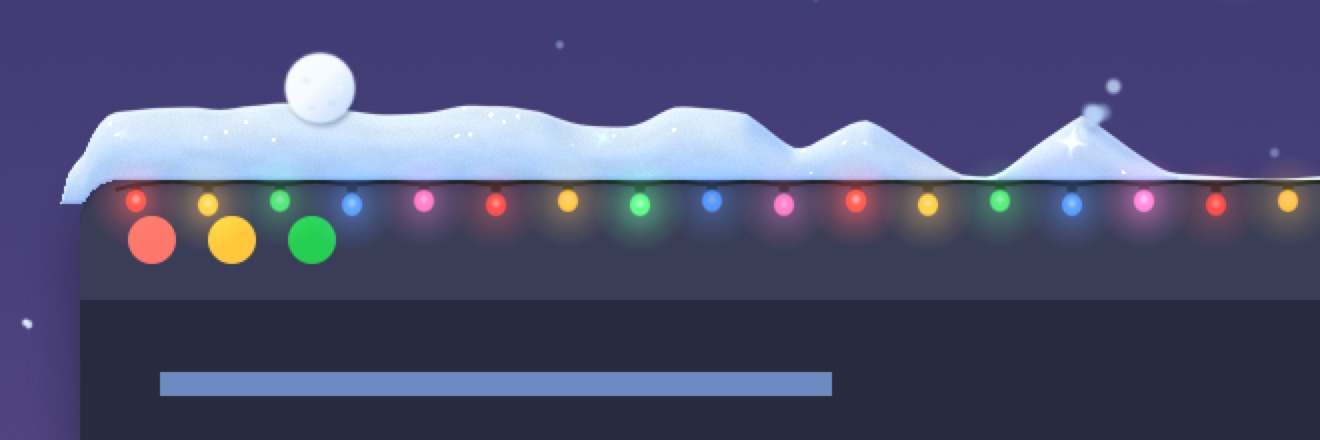
Christmas lights
Turn on Christmas lights and coloured bulbs hang along the top of each window, under the snow. They twinkle, and glow brighter after dark.
Ten kinds of weather
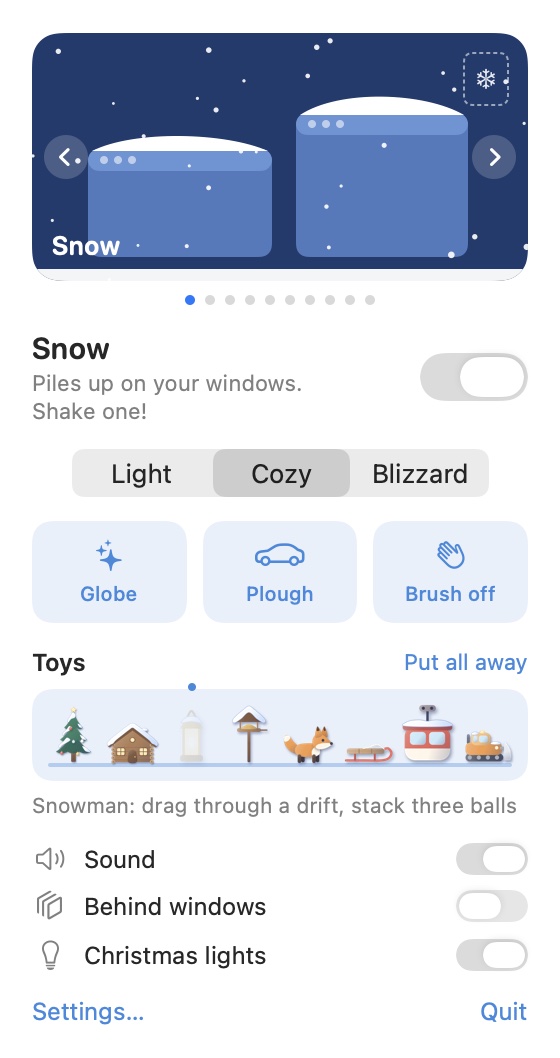
Snow, rain, storm, leaves, petals, fireflies, meteors, mist, cloud or a clear sky, each in three amounts: Light, Cozy and Blizzard. Leaves and petals settle on your windows too.
Set a tree, a cabin or a fox on your desktop. They stand in the snow, ride along on your windows and are still where you left them tomorrow.
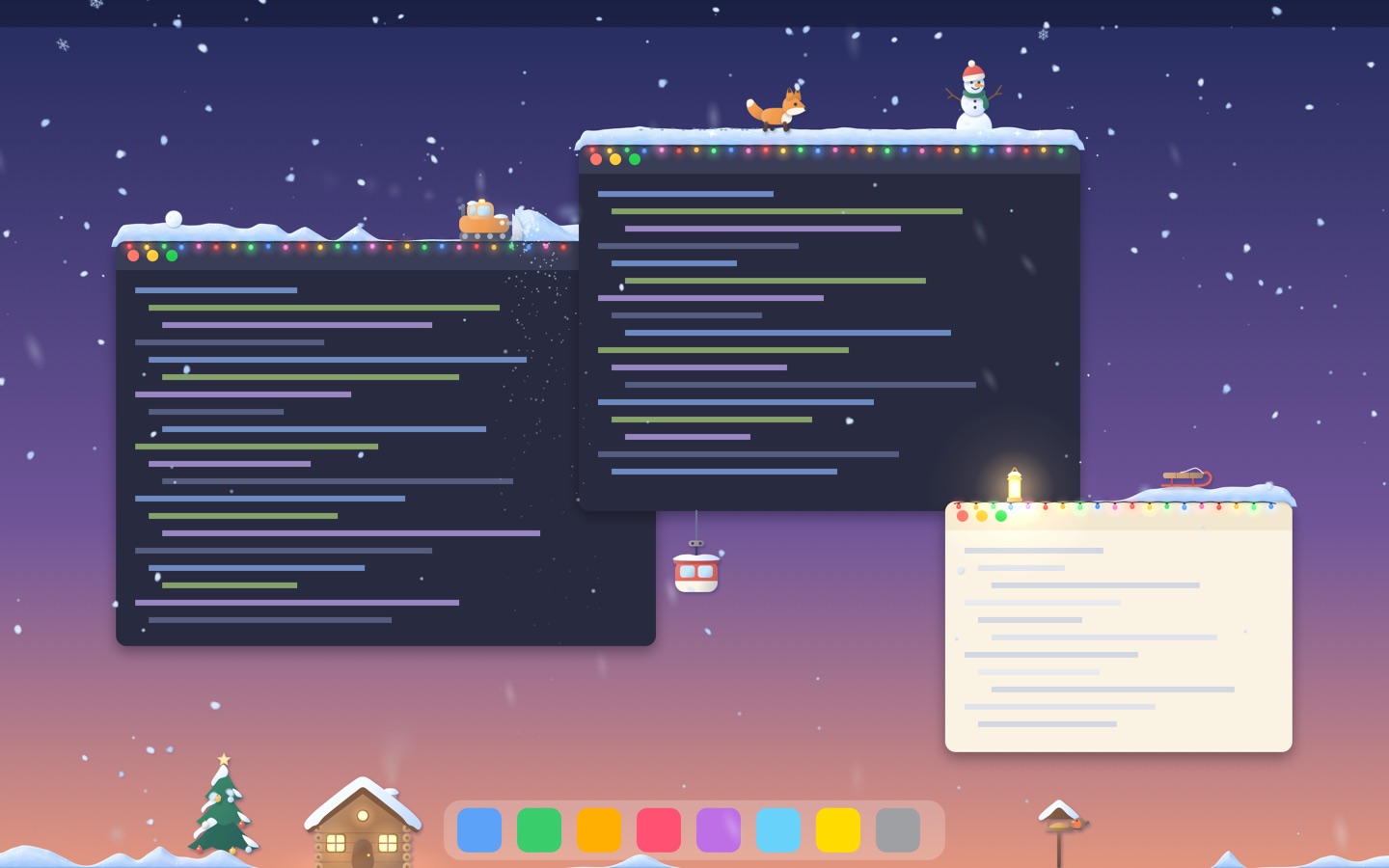
Open the ❄ in your menu bar and click a toy on the shelf. It appears in its usual spot: the tree and cabin by the Dock, the lantern on your front window.
Pick a toy up and drop it on any window or on the drift. Throw it and it flies, then lands on whatever is below.
Every toy does something when you click it. Right-click a toy to put it away.
Your toys are saved. Next time, each one is back on the window it stood on.

A snowy pine with a star on top.
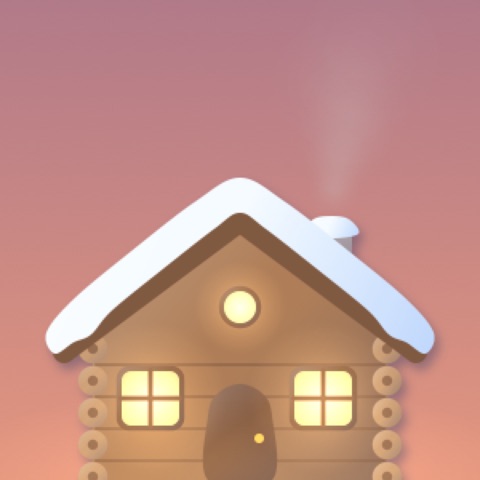
A log cabin with two windows and a chimney.

A little lantern, lit when you set it out.
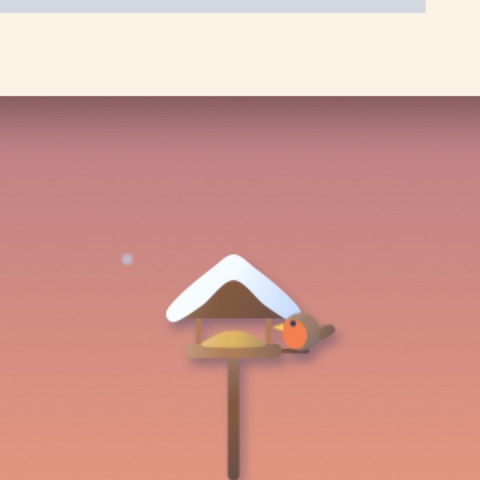
A feeder on a post, and the robin it brings.
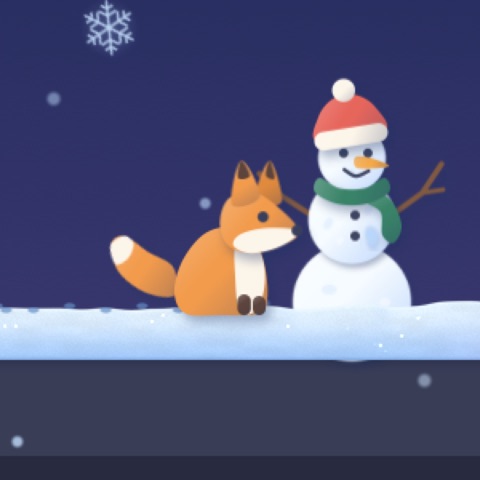
A fox who lives in the snow on your desktop.
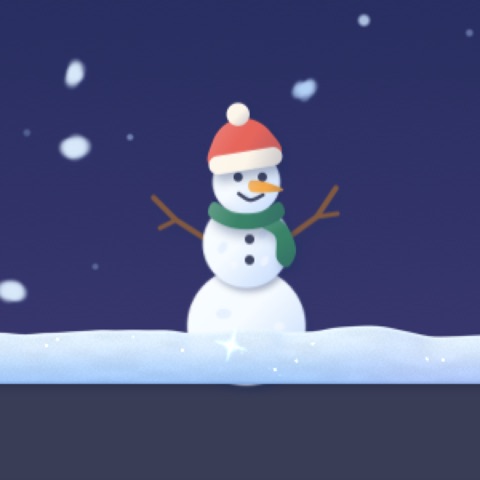
You build this one yourself.
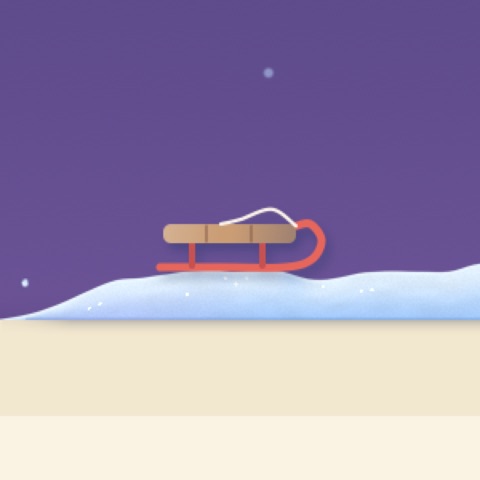
A wooden sled that never stays put for long.

A little gondola that hangs under a window.

A little plough of your own.
Each toy is drawn by the app itself, as you see it here: these pictures come from Snowy Mac's own renderer. Toys stand in the snow, ride along on your windows and hide behind a window just as snow does.
Drawn by the app itself, at your screen's own size. Set one with a click, and put your own picture back with another.




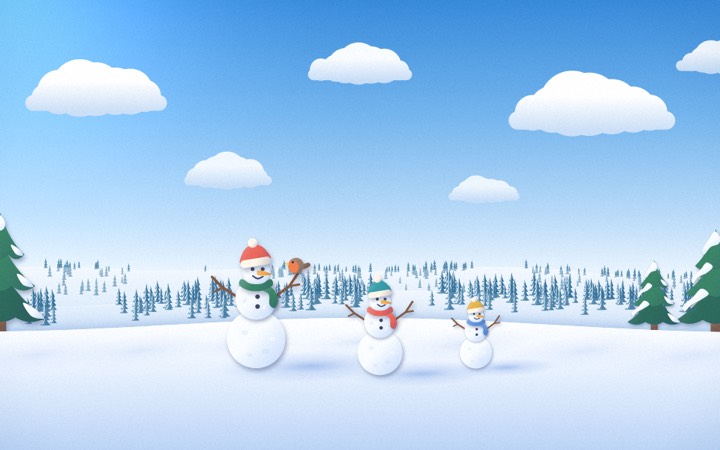



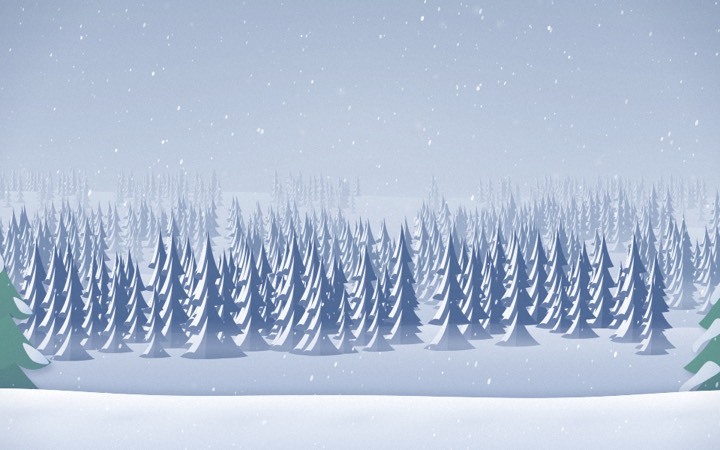
Soft crunches and thuds, a swish when you brush, the plough’s engine, rain and thunder. One switch and a volume slider. This page stays silent.
Keep the snow behind your windows instead of on top of them.
It snows on every display you have connected.
The snow takes the colour of the hour, as on this page.
Turn it on once and it is there every morning.
A film or a slideshow stays clear, unless you want snow there too.
It pauses while your screen sleeps or locks.
It calms down in Low Power Mode and with Reduce Motion.
The snow lives in a see-through layer over your desktop, and falling snow never catches a click. Where snow has settled, a click lands in the snow (that is how you roll a snowball), so brush it off or plough it to reach what is underneath. Snowy Mac never asks to see your screen or your files: it only needs to know where your windows are.
No subscription and no account. One price for every feature.

Snowy Mac
Licence for one Mac
$19.99$9.99
Download it free, then enter your key in the app. Checkout, receipt and sales tax by Polar.
Download the DMG, open it and drag Snowy Mac into Applications. Open Snowy Mac, enter your licence key, and it starts to snow. It is signed with a Developer ID and notarized by Apple, so it opens like any other Mac app.
Downloading is free; Snowy Mac needs a licence key to run. Buy a licence for $9.99 once and enter the key in the app. Try the snow on this page first: it works the same way.
Falling snow never does. Snow that has settled on a window catches the click instead of what is under it: that is how you roll snowballs. Brush it off, plough it, or switch the snow off to reach what is underneath. Toys can be picked up and moved too.
No. There is nothing to allow in System Settings. It only reads where your windows are, never what is in them.
It is built to stay light. It pauses while your screen sleeps or locks, and calms down in Low Power Mode and with Reduce Motion.
They are left clear, so a film or a slideshow stays snow-free. Turn on “Snow over full-screen apps” in Settings if you want it there too.
Yes. It snows on every screen you have connected.
Yes. One switch in the panel turns it all off, and Settings has a volume slider.
No. It is $9.99 once.
Yes. The first 100 buyers pay $9.99. After that a licence is $19.99, still paid once.
A licence runs on one Mac at a time, and the 3-Mac and 5-Mac licences on up to 3 or 5 Macs at once, all with one key. To move it, choose "Deactivate this Mac" in Snowy Mac's Settings, then enter the key on the other Mac. If the old Mac is gone, free the key from your purchases page at Polar (polar.sh/snowy-mac-app/portal).
Only to check your licence with Polar, who sell it for us: when you enter your key, and about once a day after that. It sends your key, your Mac's model name and an anonymous code made on this Mac. Never your files, your screen or your Mac's serial number.
macOS 14 Sonoma or later, on an Apple silicon or Intel Mac.
Snow on your windows, every winter, for $9.99.